
Proof of Car Insurance — Massachusetts
Free to compare
What Massachusetts Accepts as Proof
You bought a car, drove to the RMV to register it, and handed over what you thought was proof of insurance — only to be told the document does not meet Massachusetts requirements. Or a police officer pulled you over, you showed your insurance card, and the officer issued a citation anyway because the card was expired or in the wrong format.
Massachusetts law requires every registered vehicle to carry liability insurance meeting state minimums: $25,000 bodily injury per person, $50,000 per accident, and $30,000 property damage, plus mandatory personal injury protection and uninsured motorist coverage. The state verifies compliance at registration and during traffic stops, but only specific proof formats satisfy the Registry of Motor Vehicles and law enforcement. An outdated card, a screenshot of your policy summary, or a carrier app page that does not display all required fields will be rejected.
“An expired card — even one expired by a single day — does not prove active coverage and will be rejected at registration or during a traffic stop.”

Compare Massachusetts Car Insurance Quotes Today
Get My Massachusetts Car Insurance Quote7.9%
Massachusetts Uninsured Motorist Rate
Massachusetts maintains one of the lowest uninsured motorist rates in the country, in part because the RMV cross-checks insurance status electronically at registration and renewal. Drivers who let coverage lapse face immediate registration suspension.
Insurance Information Institute, 2023
The Two Compliant Proof Formats
Massachusetts accepts exactly two formats: a current policy declarations page issued by your carrier, or a digital insurance card displayed through your carrier's mobile app that meets RMV technical standards. The policy declarations page is the multi-page document your carrier mails or emails when you purchase or renew a policy. It lists your name, policy number, coverage effective dates, vehicle identification numbers, and coverage limits. The RMV requires the declarations page to be current — issued for the active policy term — and to show coverage meeting or exceeding state minimums.
The digital insurance card is the in-app proof format carriers provide through their mobile applications. Massachusetts law recognizes digital cards as equivalent to physical cards, but the app display must show your name, the carrier's name, the policy number, the vehicle VIN, and the coverage effective dates on a single screen without requiring the officer or RMV clerk to scroll or navigate to a second page. A screenshot of the app does not satisfy this requirement because it can be altered. The officer or clerk must see the live app display.
Physical insurance cards mailed by your carrier also satisfy the requirement, but only if the card is current. An expired card — even one expired by a single day — does not prove active coverage and will be rejected at registration or during a traffic stop. Many drivers keep expired cards in the glove box alongside current ones and hand over the wrong card without checking the dates.

A screenshot of your carrier's app or policy summary email does not meet Massachusetts proof requirements. Officers and RMV staff reject screenshots because they can be edited or taken from a lapsed policy.
Related Articles

Massachusetts Car Insurance Requirements
7/15/2026
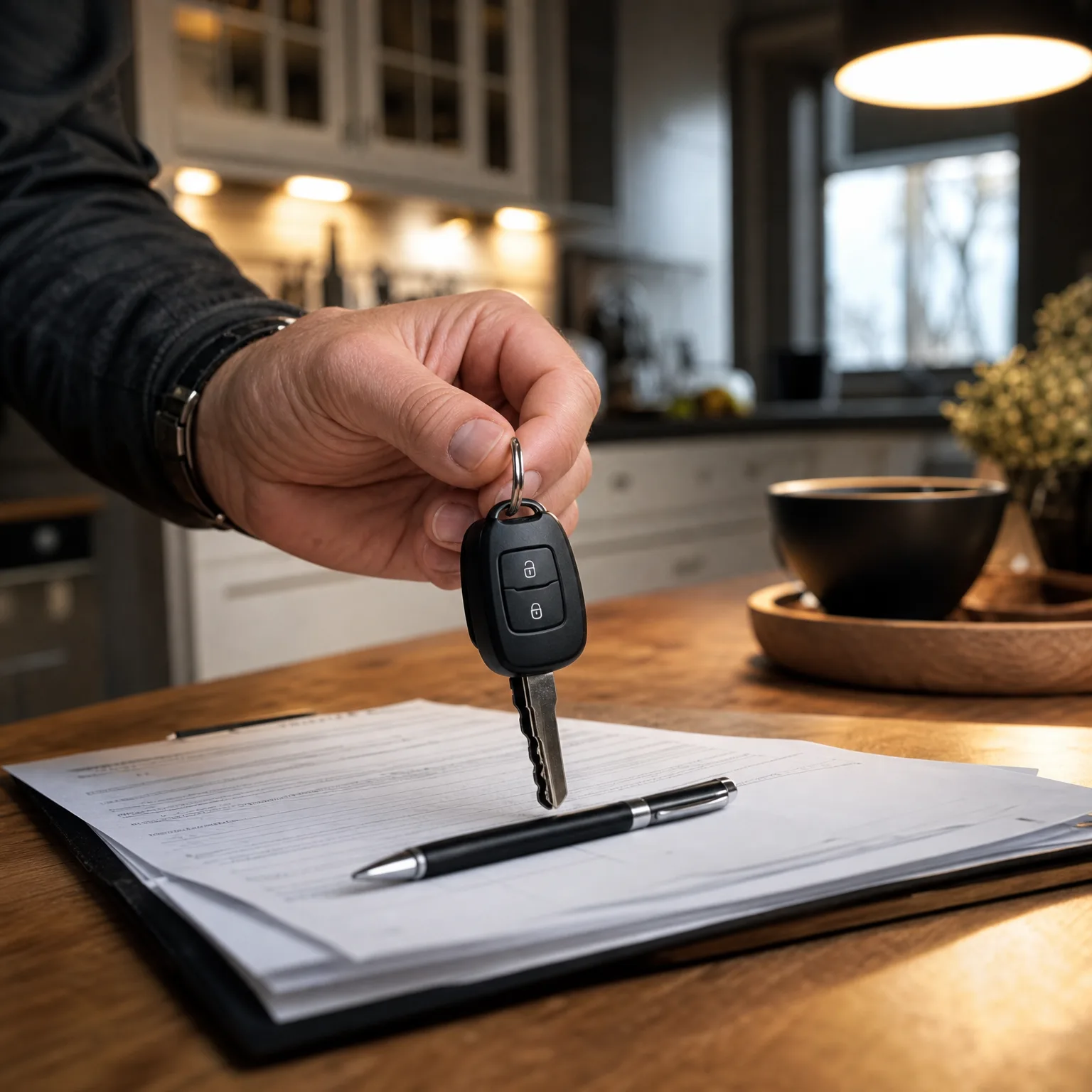
Massachusetts Proof of Insurance Rules
7/15/2026
Massachusetts Car Registration Documents
7/15/2026

Moving to Massachusetts Insurance Documents
7/15/2026

Massachusetts Car Registration Insurance Rules
7/15/2026

Out-of-State Insurance in Massachusetts
7/15/2026

Roadside Verification and Citation Risk
A police officer who stops you for any reason — a traffic violation, a routine safety check, or an accident investigation — will ask for your license, registration, and proof of insurance. Massachusetts law requires you to produce proof immediately. If you hand over an expired card, a screenshot, or no proof at all, the officer issues a citation for operating without insurance even if you are insured. The citation triggers a court summons, and you must appear with proof of coverage to avoid a fine and potential license suspension.
Officers verify insurance by checking the card's effective dates and comparing the policy number to the registration. If the dates do not cover the stop date, or if the card shows a different vehicle VIN than the one you are driving, the officer treats it as no proof. Many drivers insure multiple vehicles on one policy and carry the card for a different car in the stopped vehicle's glove box. That card does not prove the stopped vehicle is insured, even though both cars sit on the same policy. Each vehicle must have its own card or be listed on the declarations page you carry.
Digital proof avoids this problem if your carrier app lists all vehicles on the policy and allows you to select the correct VIN before displaying the card. Open the app, select the vehicle you are driving, and show the officer the live screen. Do not screenshot the display in advance — the officer needs to see the app interface to confirm the card is current and unaltered.
$1,477.34
Average Annual Massachusetts Auto Expenditure
Massachusetts drivers spend an average of $1,477.34 per insured vehicle annually, covering liability, personal injury protection, and uninsured motorist coverage required by state law. Letting coverage lapse to avoid this cost triggers immediate registration suspension and roadside citations.
NAIC Auto Insurance Database Report, 2023

Carrier App Requirements and Common Failures
Not every carrier app meets Massachusetts digital proof standards. The app must display all required fields on a single screen: your name, the carrier's name, the policy number, the vehicle VIN, and the coverage effective dates. If any field requires scrolling or navigating to a second screen, the display does not comply. Officers and RMV clerks reject apps that force them to click through multiple pages to verify coverage.
Test your carrier's app before you need it. Open the app, navigate to the insurance card or proof-of-insurance section, and confirm every required field appears on one screen. If the VIN is hidden behind a dropdown menu, or if the effective dates appear only after tapping a details button, the app does not meet the standard. Contact your carrier and request a physical card or a current declarations page to carry as backup. Many drivers discover their app fails compliance only after an officer rejects it at a traffic stop.
Get Compliant Proof Before You Need It
Request a current policy declarations page from your carrier as soon as you purchase or renew a policy. Most carriers email the declarations page within 24 hours of binding coverage, and all carriers mail a physical copy within the first week of the policy term. Download the PDF and save it to your phone, or print a copy to keep in your vehicle alongside your registration. If you insure multiple vehicles, request declarations pages for each car and store them separately in each vehicle's glove box.
Verify your carrier app displays compliant digital cards for every vehicle on your policy. If the app does not meet Massachusetts standards, request physical cards for each vehicle and replace them every time you renew. Mark your calendar to check card expiration dates 30 days before renewal so you do not drive with expired proof. Compare carriers writing in Massachusetts — see the full Massachusetts carrier roster and coverage requirements — and confirm the carrier you choose provides compliant proof formats before you bind the policy.
What Happens When Proof Fails at Registration
When you arrive at the RMV to register a newly purchased vehicle or renew an existing registration, the clerk verifies your insurance electronically through the Massachusetts Insurance Data Exchange. The system cross-checks your policy against carrier filings in real time. If the electronic verification fails — because your carrier has not yet reported the policy to the state database, or because you switched carriers and the new policy has not populated the system — the clerk requires manual proof. You must produce either a current policy declarations page or display a compliant digital card on your phone.
If you cannot provide either format, the clerk stops the transaction. You do not receive plates, a registration certificate, or a renewal sticker. The vehicle remains unregistered, and driving it is illegal. You must leave the RMV, contact your carrier to obtain a current declarations page or confirm your app displays all required fields, and return to complete the registration. The RMV does not accept verbal confirmation from your carrier, a policy summary printout that omits coverage limits, or an email receipt showing you paid your premium.
Get Your Free Quote
Get My Massachusetts Car Insurance QuoteFrequently Asked Questions
Can I show a screenshot of my insurance card to a police officer in Massachusetts?
No. Massachusetts law requires live display of your carrier's mobile app showing all required fields on one screen, or a physical card. Screenshots can be altered or taken from a lapsed policy, so officers and RMV staff reject them.
What happens if I get pulled over in Massachusetts without proof of insurance?
The officer issues a citation for operating without insurance even if you are insured. You receive a court summons and must appear with proof of coverage to avoid a fine and potential license suspension.
Does Massachusetts accept insurance cards from other states?
Yes, if you are a visitor driving a vehicle registered in another state. Massachusetts residents must carry proof for vehicles registered in Massachusetts, meeting state minimum coverage requirements of $25,000/$50,000/$30,000 liability plus PIP and uninsured motorist coverage.
How do I get a policy declarations page from my insurance carrier?
Log in to your carrier's online portal and download the declarations page from your policy documents section, or call your agent and request an emailed or mailed copy. Most carriers send the declarations page automatically when you purchase or renew a policy.
Can I use my insurance card from a different vehicle on the same policy?
No. Each vehicle must have its own card showing the correct VIN, or you must carry a policy declarations page listing all vehicles. Officers verify the card matches the vehicle you are driving.
What if my carrier has not reported my new policy to the RMV database yet?
Bring a current policy declarations page or display a compliant digital card on your phone. The RMV clerk uses manual proof when the electronic verification system does not show your policy.